Animated captions
Animated captions, burned in word by word
clipsdk times every word and burns captions into each clip as it renders. Pick one of 3 presets: bold, karaoke or minimal. Or turn captions off and get clean clips with SRT and VTT files to style yourself. Captions are included in the $0.03 per source minute.
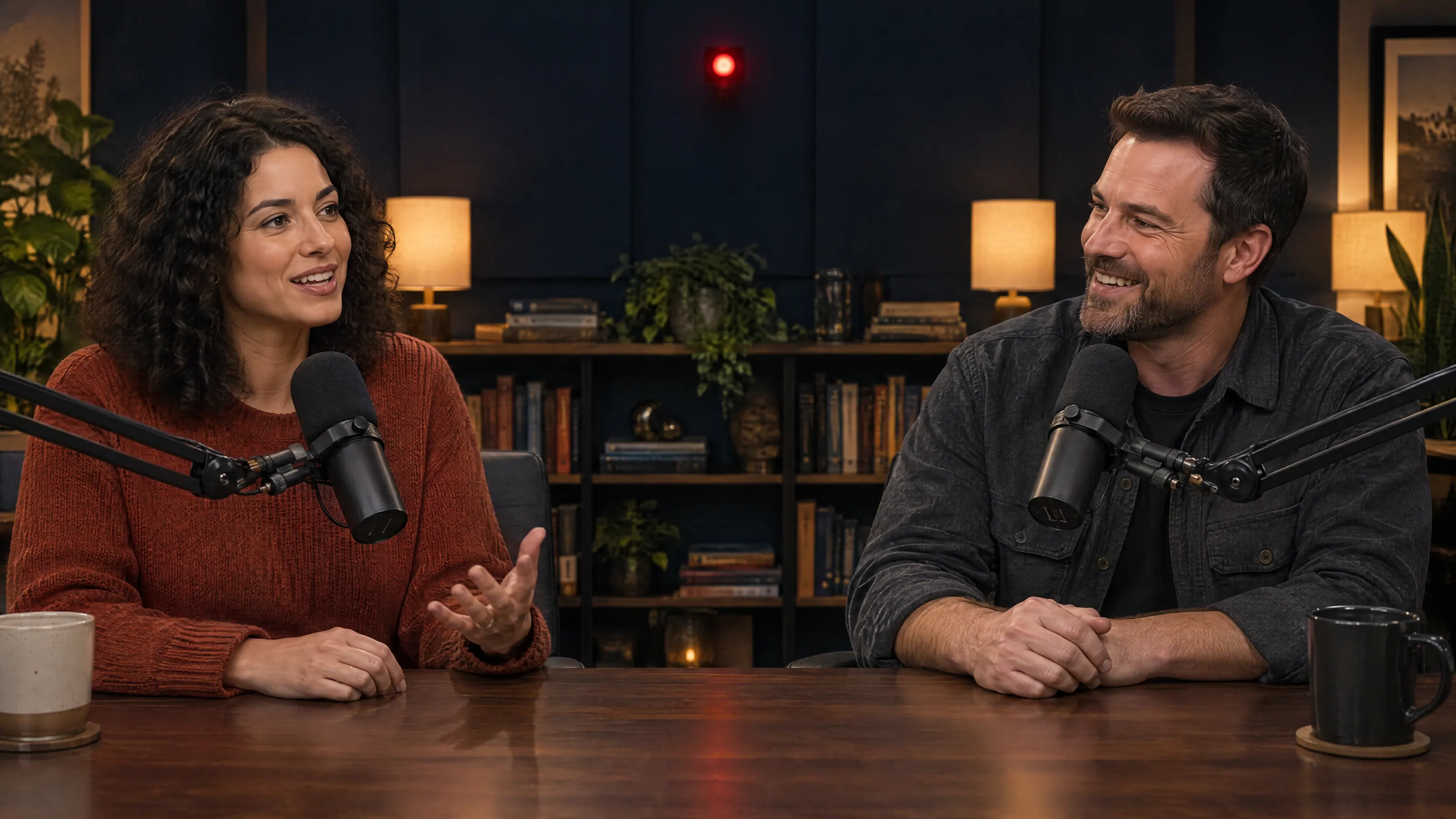
bold
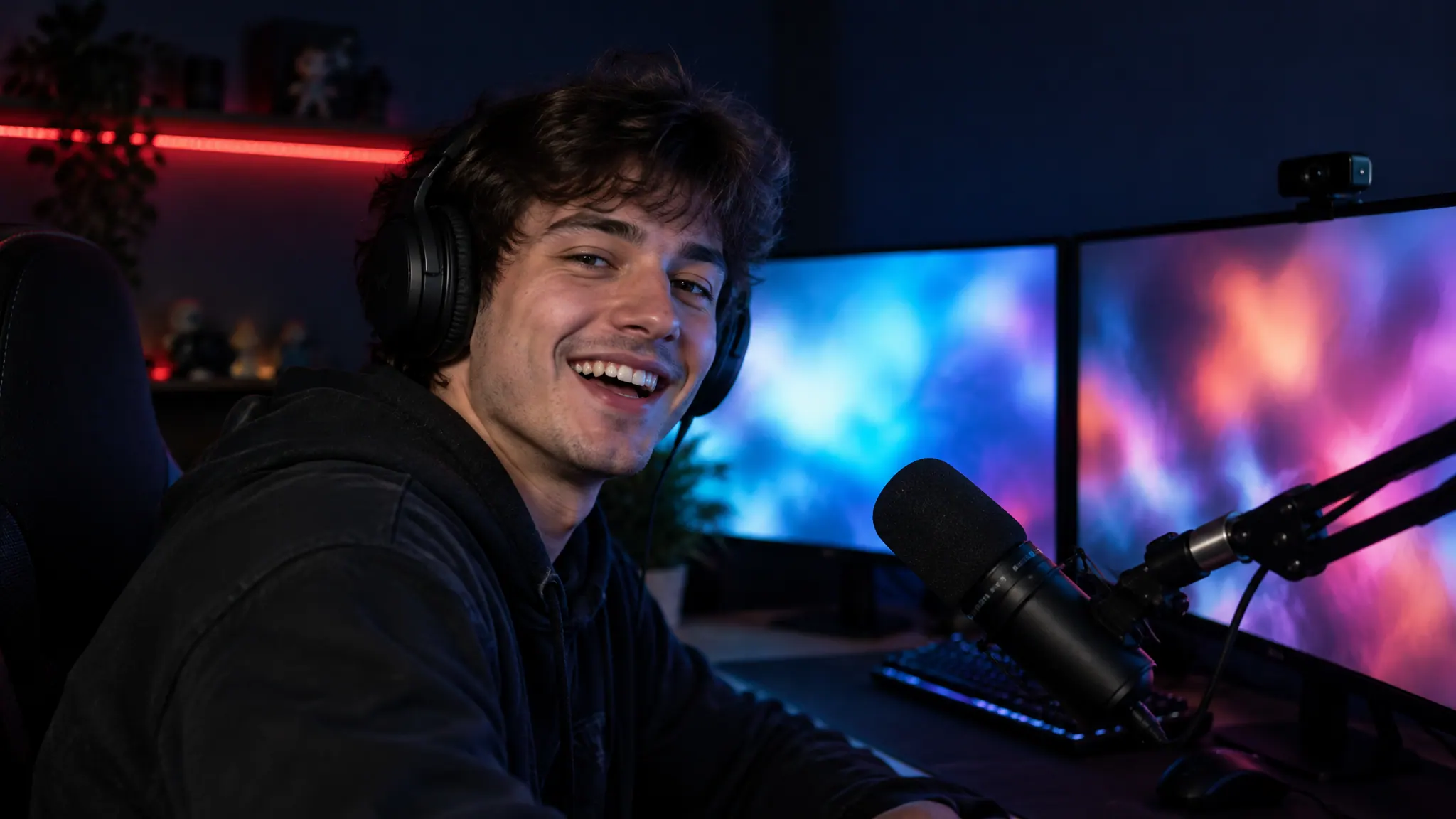
karaoke

minimal


Try it
Pick a style, see the clip
Switch presets and recordings. The request on the right is all it takes to get that clip back.
captions
Recording

Karaoke
A full line on screen, each word lighting up as it's spoken. Easy to follow on longer answers.
{ "video_url": "https://cdn.example.com/stream-0412.mp4", "captions": "karaoke"}- clip-1.mp4Captions burned in, karaoke
- clip-1.srtSubtitles with timings
- clip-1.vttWebVTT for web players
Only the text on the video changes between styles. The transcript, the timings and the SRT and VTT files stay the same.
| captions | On screen |
|---|---|
| "bold" | A few big words at a time, the spoken word on a crimson blockGood for hooks, short clips and feeds people scroll with the sound off |
| "karaoke" | A full line, each word lighting up in amber as it's spokenGood for long answers, fast talkers and streams |
| "minimal" | One small line on a dark pill near the bottomGood for courses, keynotes and talks, where the picture matters |
| false | No text on the video at allGood for your own editor, brand fonts or the platform's own captions |
Word by word
Every word lands when it's spoken
Captions come from the same transcript that picks your moments, and that transcript has a start time on every word. So the highlight moves with the voice, and cuts never split a word in half.
- Ship0.00s
- the0.36s
- thing0.68s
- you're1.07s
- embarrassed1.50s
- by.2.05s
- Nobody2.37s
- remembers2.79s
- your3.31s
- first3.67s
- version,4.06s
- they4.55s
- remember4.90s
- whether5.39s
- you5.84s
- kept6.17s
- going.6.53s
Your own captions
Clean clips, plus SRT and VTT
Set captions to false and the clip comes back with no text on screen. The SRT and VTT files ship with every clip either way.
- SRT for YouTube Studio, social schedulers and editors like Premiere Pro and DaVinci Resolve, where you can restyle it with your own fonts.
- VTT for web players. Add it to a video tag with a track element and the browser draws the captions.
- Both carry the same timings, so you can restyle captions in any tool and they still line up.
- Links to both sit next to the video on every clip, as srt and vtt, and stay up for 7 days.
100:00:00,000 --> 00:00:02,372Ship the thing you're embarrassed by.200:00:02,372 --> 00:00:04,546Nobody remembers your first version,300:00:04,546 --> 00:00:06,950they remember whether you kept going.Language
The spoken language, detected for you
clipsdk detects the language before it transcribes, so captions come out in the language people actually speak. The result tells you what it found. Already know it? Set language to a code like en or pt-BR, and detection is skipped.
result.source
{ "duration_s": 3486.2, "language": "en", "speakers": null}FAQ
Questions, answered
What caption styles can I choose?
Three presets: bold, karaoke and minimal. Set captions to the one you want on the request, or to false for clean clips.
Can I use my own font and colors?
Not through the presets. Set captions to false and use the SRT or VTT file that comes with every clip in your own editor, player or caption tool.
How does language detection work?
clipsdk detects the spoken language before it transcribes and reports it as source.language in the result. If you already know the language, pass it yourself with the language field.
Do I get subtitle files?
Yes. Every clip comes with an SRT and a VTT file, whether or not captions are burned in.
Are captions timed to each word?
Yes. The transcript has a timestamp on every word, so each word shows up on screen as it is spoken.
Do captions cost extra?
No. Captions are part of the $0.03 per source minute, like every clip.
Start free
Your back catalog is full of shorts
Your first $1 is free: 33 minutes of video, every clip included.
